

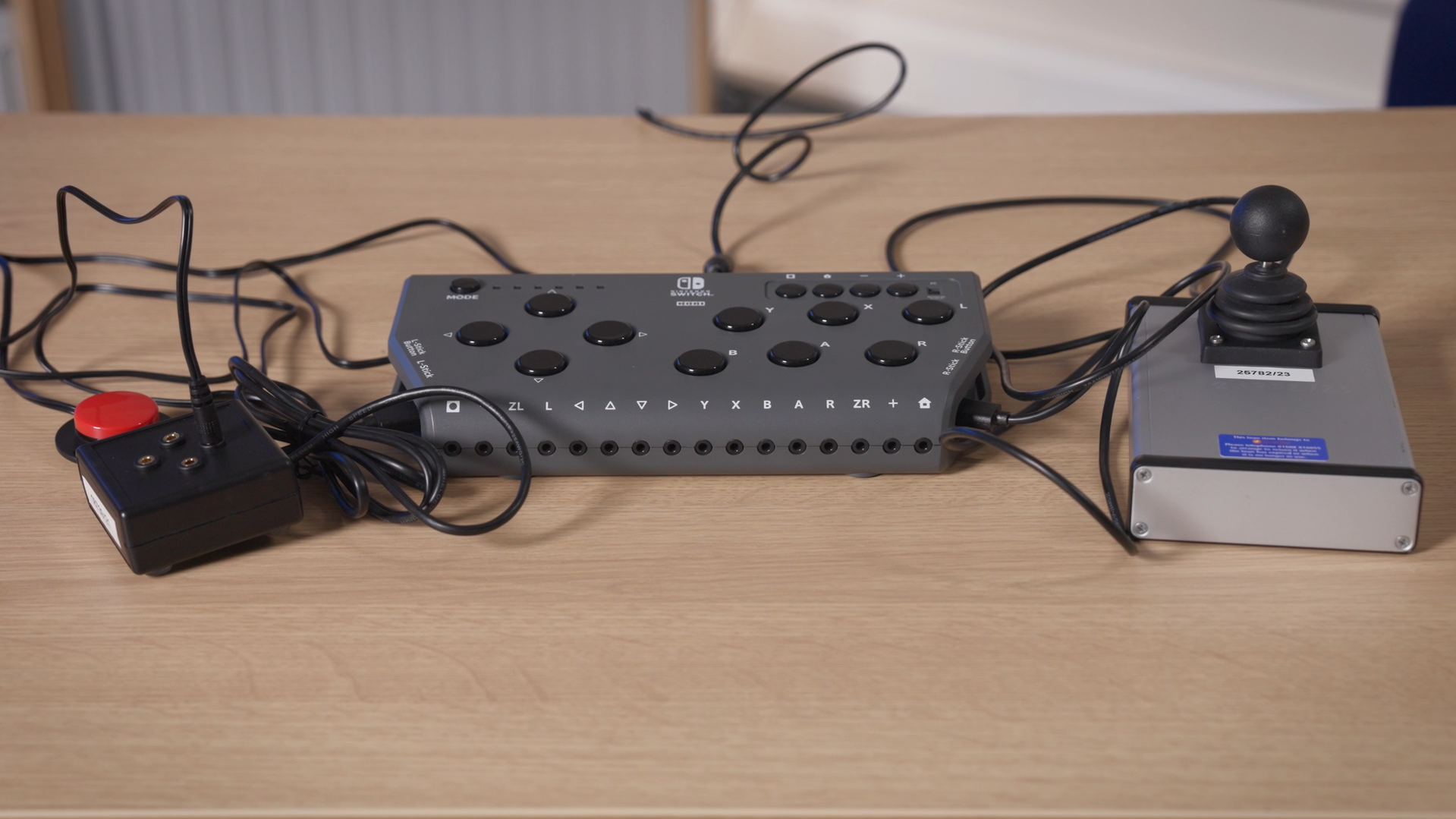
The Switch to Joystick Box allows you to use accessibility switches for up, down, left and right joystick directions. This allows you to use switch presses instead of joystick movement to steer in a driving game, for instance. Or, by using a switch or switches for character movement, you could use one joystick instead of two to control your character in a first- or third-person game.
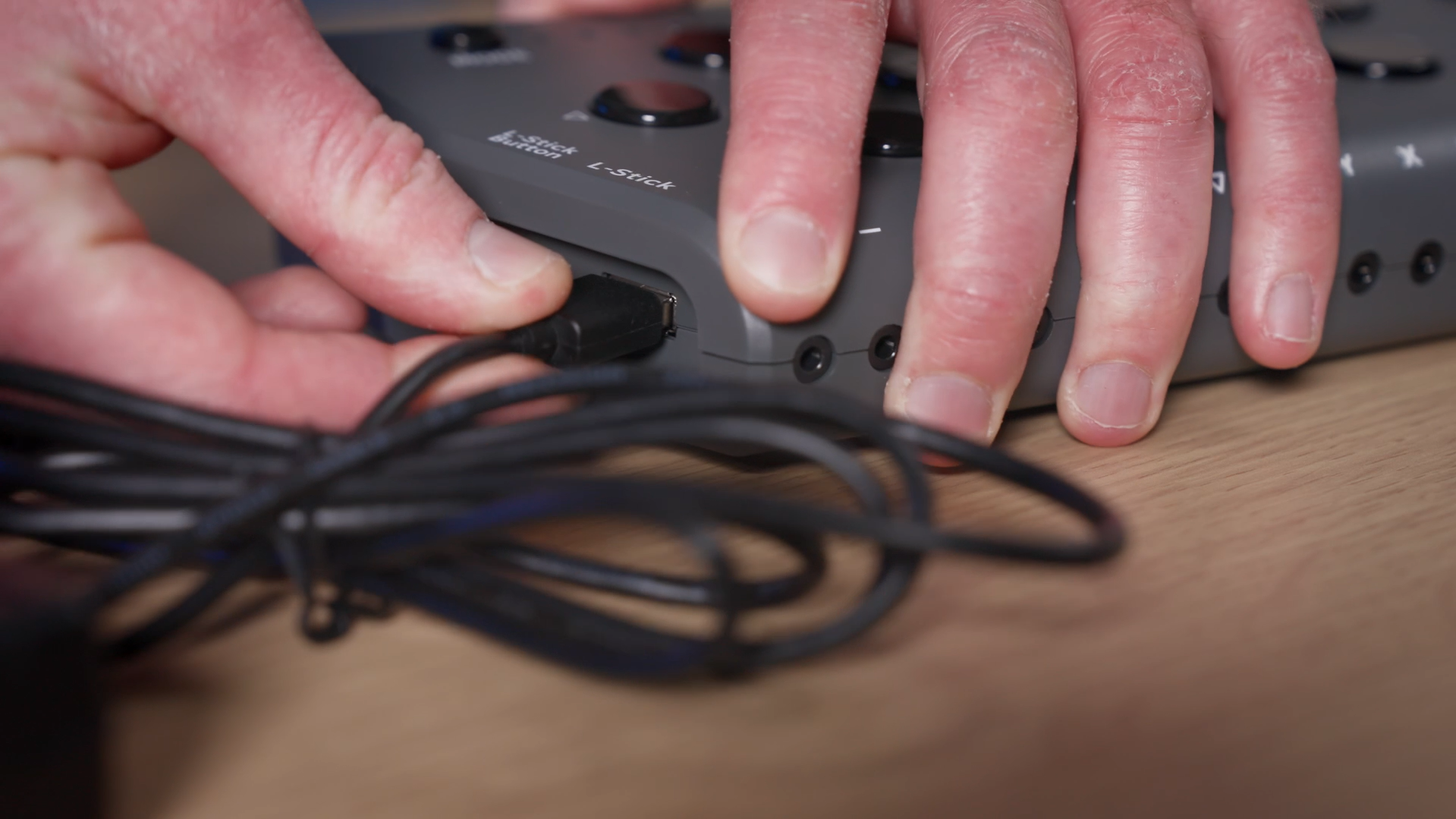
The Switch to Joystick Box connects into a USB port on either an Xbox Adaptive Controller or a Hori Flex. Plugging the box into the left USB input will mean a switch plugged into each 3.5mm switch port can control either up, down, left or right on the Left Stick. Plugging the box into the right USB input will control these directions on the Right Stick. It can also be used on PC. You then plug in a 3.5mm switch into the joystick directions you would like to use.
Use Examples
Below are a few examples of how we might use the Switch to Joystick Box at SpecialEffect:
-
As a ‘walk-forward button’ – You may use a single switch plugged into the up direction on the Left Stick, in place of the Left Stick to play a first-person shooter. You can use the Right Stick to move the camera to look and aim and use the switch to move forward in the direction you are looking. You could also add switches for left and right movement and one for backwards movement, too, even if using these less often.
-
For steering in a driving game – If switch access is more accessible or comfortable than using a joystick, you might use switches instead. For steering, you could plug them into the Switch to Joystick Box for left and right directions on the Left Stick input. For accurate steering, this might need ‘feathered’ use of them, with quick-repeat taps rather than holds.
-
You could combine two Switch to Joystick Boxes in suitable games. On one, you could use the up direction on the Left Stick to walk forward. On the second, you could use switches for left and right on the Right Stick to turn left and right. For games that offer a ‘legacy’ stick control option, you might be able to do this with a single Switch to Joystick Box.
More Information
For more information on the Switch to Joystick Box, please visit the OneSwitch website.
For more information on the switches we use at SpecialEffect, please use the ‘Switches‘ sub-category. For information on how we mount them, please see our video: ‘How to Position and Mount Switches and Controllers‘.
For additional or alternative controller hardware, please see our ‘equipment‘ category. For information on in-game features that may help make them more accessible, please use our ‘accessibility feature‘ tag.
Image Credit: Screenshots taken from video footage by Tom Williams